
Unite your workforce with a powerful communication platform that integrates instant messaging, voice, and video calls, alongside robust organizational tools.
Download Now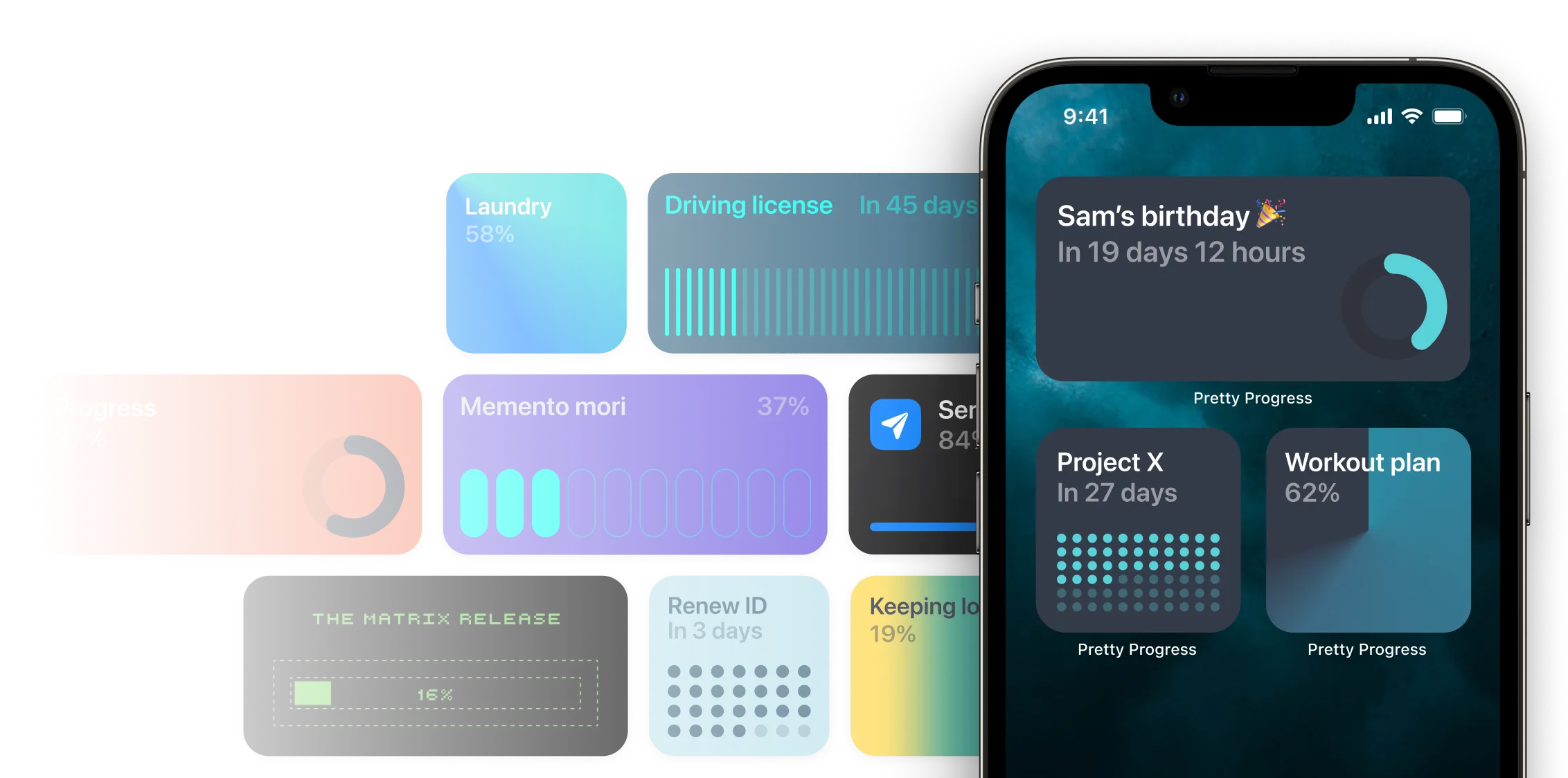
Watch our live product demo to discover how you can effortlessly build AI chatbots trained on your data, no coding required.
Choose from a selection of UX patterns including nudges, widgets, stories, gamification, rewards, and surveys to capitalize on every users’ preference and behavior.
See how the product works

The visual builder enables real-time UI rendering - overlays, embeds, and dynamic landing pages for individual users.
ExploreCopy and paste your web app url into ToDesktop. Customise your app design, app icon and window frame UI with no code.


No need to create a new repository, just add code from our desktop APIs to your codebase and get access to system level functionality.
One-click will publish your desktop app to your customers and give you a download link to put on your website.

Dedicated support and expert guidance.
We offer a 30-day return policy with a full refund on items returned in their original condition.
You can track your order using the tracking number provided in your order confirmation email.
Yes, we offer international shipping to select countries. Shipping charges may apply.
You can change or cancel your order within 24 hours of placing it by contacting our support team.
We accept all major credit cards, PayPal, and bank transfers.
You can create an account by clicking on the 'Sign Up' button and filling out the registration form.
Click on 'Forgot Password' on the login page and follow the instructions to reset your password.
Yes, we take your privacy seriously and use advanced security measures to protect your information.
You can contact our customer support via email, phone, or live chat available on our website.
Yes, we offer gift cards in various denominations. You can purchase them directly from our website.
Track and remind yourself about the important things with beautiful countdown & progress bar widgets.


© 2025 GoLinkUp, Inc. All rights reserved.